
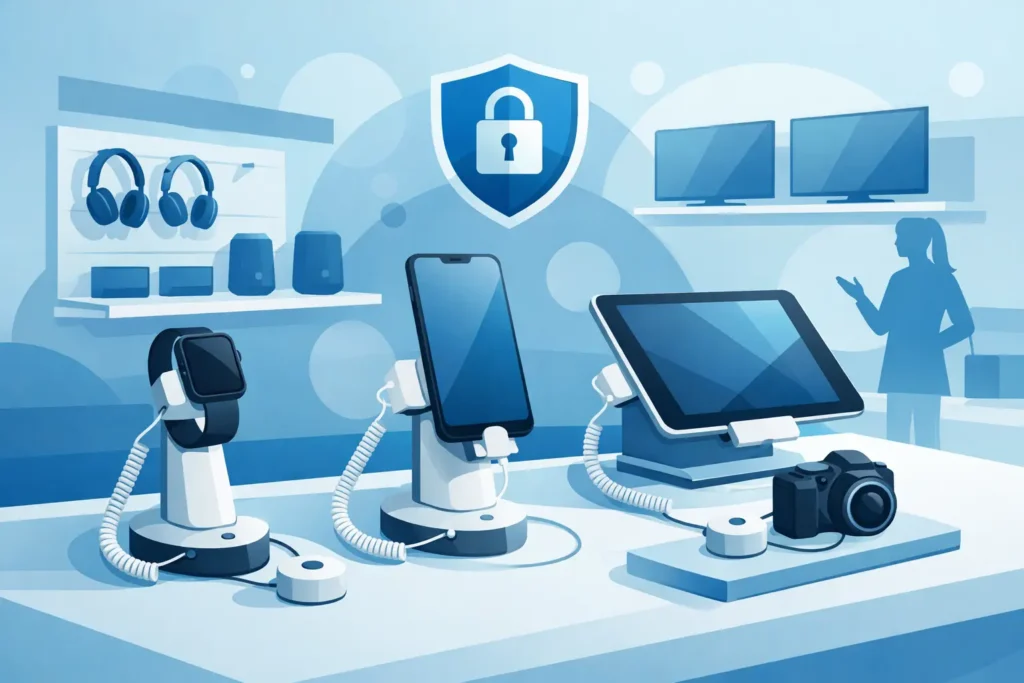
A displayed smartphone, tablet, camera, or headphone can generate the product interaction that closes a sale, but it also creates an immediate loss-prevention concern. The right electronics display security examples show that retailers do not have to choose between open merchandising and product protection. A well-planned system keeps valuable items accessible, presents them professionally, and makes unauthorized removal difficult or immediately visible to staff.
For electronics retailers, telecom stores, department stores, and branded experience areas, security should be designed into the fixture plan from the beginning. Retrofitting security after displays are installed often leads to exposed cables, poor sightlines, and a cluttered customer experience.
Why Electronics Displays Need a Different Security Approach
Electronics are attractive targets because they are compact, portable, and often high in value. They also need hands-on presentation. Customers want to compare screen size, weight, camera placement, controls, and sound quality before they commit to a purchase. Keeping every item behind a counter can reduce theft, but it can also reduce engagement and slow down the sales process.
The practical answer is layered protection. A display device may be physically tethered, electronically alarmed, positioned within staff sightlines, and supported by secure backstock storage. The right combination depends on the item value, store traffic, staffing level, fixture type, and whether customers need full access to the product.
7 Electronics Display Security Examples That Work
1. Tethered Security Stands for Phones and Tablets
Tethered stands are one of the most common solutions for smartphones and tablets. The device is mounted on a powered display base or secured by a retractable cable, allowing customers to lift, rotate, and test it within a controlled range. Charging capability keeps demo units ready for use throughout the day.
This option works well on mobile phone tables, carrier counters, and branded display zones where product handling is essential. Choose a stand with a cable length that supports comfortable use without allowing the device to reach neighboring fixtures or an exit route. For premium devices, an alarmed tether provides an added layer of protection if the cable is cut or disconnected.
2. Alarmed Display Pucks for Small Devices
An alarmed display puck is a compact adhesive security device attached to the product and the display surface. If the item is lifted or the adhesive connection is broken without authorization, the system triggers an audible alarm. Pucks are frequently used for smartwatches, GPS units, compact cameras, power banks, and selected phone models.
Their advantage is a clean, low-profile presentation. They are especially useful where a retailer wants a minimalist display table rather than a heavy mechanical fixture. The trade-off is that adhesive pads require proper surface preparation and regular inspection. High-traffic stores should have a process for checking adhesive condition, battery status, and alarm function at opening and closing.
3. Secure Acrylic Cases for Premium Accessories
Not every electronic item needs to be handled before purchase. Premium earbuds, smart home accessories, memory cards, gaming controllers, and small boxed products can be merchandised effectively inside lockable acrylic display cases. Clear cases protect the product while preserving visibility, allowing customers to see packaging, color options, and key specifications.
This is a strong option for products that are easy to conceal or difficult to recover once removed from the store. Acrylic cases can be counter-mounted, shelf-mounted, or integrated into a cash-wrap display. The fixture should use commercial-grade locks and be positioned so staff can access it quickly during an assisted sale. A case that requires a long search for a key can create unnecessary friction at busy times.
4. Locking Glass Cabinets for High-Value Merchandise
Locking glass cabinets provide a more substantial solution for cameras, lenses, gaming consoles, drones, laptops, and premium audio equipment. They allow retailers to create a high-value product zone with strong visual impact while limiting direct access to trained staff.
The best cabinets balance security with lighting and sightlines. Adjustable glass shelves, integrated LED illumination, and clear product labeling help prevent the cabinet from becoming a dark storage box. Consider lock placement carefully: locks should be protected from casual tampering but convenient for associates serving customers. For multi-brand electronics departments, a cabinet layout can also organize products by category, price tier, or brand family.
5. Secure Laptop and Monitor Mounts
Laptops and monitors need security hardware that protects the device without hiding its design. Locking brackets, VESA-compatible mounts, and steel security cables can secure computers to tables, desks, or wall-mounted displays. Many systems allow screen tilt and rotation, which supports demonstrations without giving customers unrestricted removal access.
For laptop tables, keep power, data cables, and security cables managed below or within the fixture. Loose wiring makes the display look unfinished and can become a maintenance issue. If devices are connected for live demonstrations, confirm that the mounting system still allows staff to service, restart, or replace a unit without dismantling the entire display.
6. Peg Hook Security for Packaged Electronics
Accessories displayed on peg hooks are often overlooked in electronics security plans. Chargers, cables, adapters, batteries, headphones, and gaming accessories are low-to-mid value individually, but losses can add up quickly because the products are small and frequently replenished.
Locking peg hooks or stop-lock systems prevent customers from sweeping multiple packages from a hook at once. They are suitable for high-theft lines while still supporting self-service merchandising. This method is most effective when paired with clean planograms and clear price communication. Customers should be able to identify the product they need without having to ask staff to unlock every accessory.
7. Electronic Article Surveillance Tags and Labels
Electronic article surveillance, commonly called EAS, is a practical store-wide layer for packaged electronics. Hard tags can be applied to boxed products, while adhesive labels are useful for items where a hard tag would interfere with packaging or presentation. Detection pedestals at the exit alert staff when a tagged item leaves the store without proper deactivation or removal.
EAS is not a replacement for display-level security. It is most effective as part of a wider plan that includes secure fixtures, stock control, and staff awareness. For example, a locked cabinet may protect a premium camera, while an EAS tag supports protection once the product is brought to checkout or placed in an approved collection area.
Match Security Level to Product Risk
The most expensive security system is not always the best choice. A low-value cable accessory may only need a locking hook, while a live smartphone display may require an alarmed tether, charging base, and placement within clear staff view. Over-securing low-risk products can make browsing difficult and increase labor requirements. Under-securing premium devices can create avoidable exposure.
A useful assessment considers four factors: unit value, portability, resale appeal, and customer handling requirements. Products with high scores in all four areas deserve the strongest display protection. Store layout matters too. A fixture positioned near the entrance, a blind corner, or an understaffed department may need more protection than the same fixture placed beside a staffed service counter.
Design Security Into the Customer Experience
Security hardware should support the store environment rather than dominate it. Clean cable routing, matching fixture finishes, concealed power management, and appropriately sized holders help maintain a professional presentation. This is particularly important in brand stores and premium electronics areas, where the display itself communicates product quality.
Give customers enough freedom to experience the product, but make the boundaries clear. A phone should be easy to pick up, a laptop screen should be easy to adjust, and product information should remain visible. At the same time, staff should be able to identify quickly when a device is detached, a cabinet is open, or a display needs attention.
JS Retail Displays helps commercial buyers select security-focused display systems that fit product categories, store layouts, and merchandising objectives. The most effective installation is rarely a single product. It is a coordinated fixture strategy that protects inventory while keeping the selling floor open, organized, and ready for customer interaction.
When planning your next electronics display area, start with the product experience you want shoppers to have, then build the appropriate level of security around it. That approach protects margin without turning a hands-on retail environment into a locked showroom.