
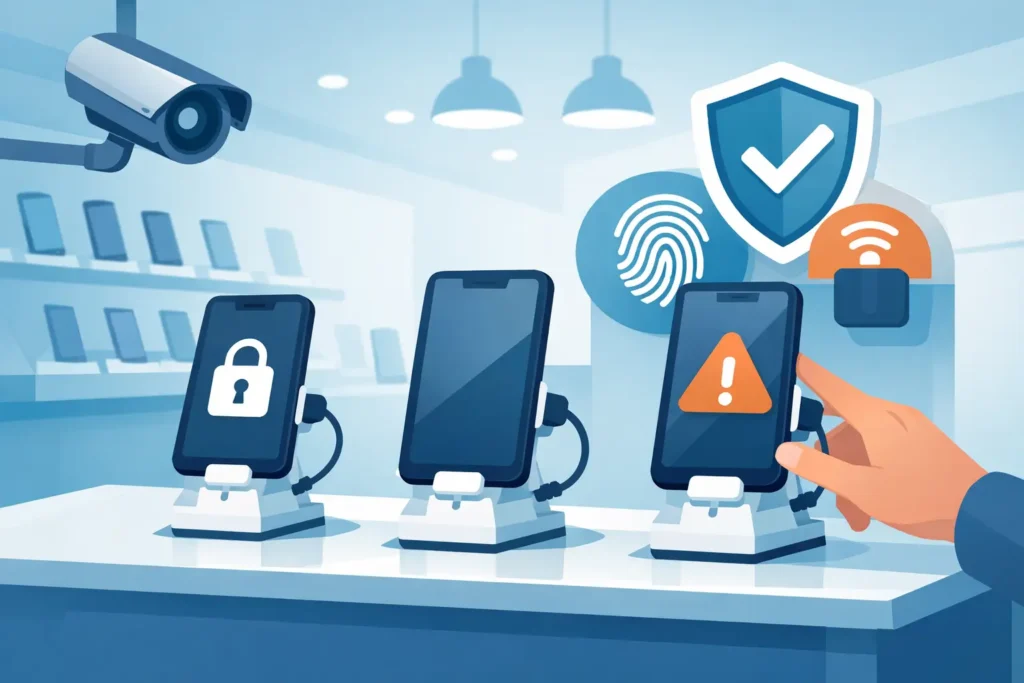
A live demo phone can help a customer compare cameras, screen quality, and operating systems in seconds. It can also become one of the easiest high-value items to steal or damage on the sales floor. Knowing how to protect demo phones means balancing two commercial needs: giving shoppers enough freedom to try the product while keeping devices secured, powered, and presentable throughout the day.
For electronics retailers, telecom stores, department stores, and brand outlets, a weak display setup creates more than shrinkage. Missing units leave empty spaces on a fixture, disrupt the customer experience, increase staff intervention, and can affect the credibility of a premium product presentation. The right protection system should work quietly in the background, supporting sales rather than putting a barrier between the customer and the device.
Start With the Risks in Your Demo Area
Demo phone protection should begin with the retail environment, not with a single security product. A phone displayed near a store entrance, in a busy mall location, or along an unattended aisle faces a different risk level than a device inside a staffed service counter. Store traffic, sightlines, staffing patterns, and the value of the models on display all influence the appropriate level of security.
Consider what can go wrong beyond outright theft. Phones may be pulled from weak adhesive pads, dropped when cables are too long, damaged by constant handling, or left without charge because power management was not planned into the fixture. A display that looks organized at opening can quickly become tangled, dirty, and non-functional by midday if its components are not designed for intensive customer use.
The goal is not to make every unit difficult to touch. It is to identify where security must be strongest and where a lighter, more open presentation will encourage interaction. High-value flagship devices generally justify alarmed stands and closer staff visibility. Lower-risk accessories or non-working display samples may need simpler tethering or locked acrylic presentation cases.
How to Protect Demo Phones Without Limiting Sales
The most effective approach is layered protection. A secure mount is essential, but it performs better when combined with alarm monitoring, controlled cable management, a considered layout, and consistent staff routines. If one layer fails, another still reduces the chance of loss.
Use purpose-built security stands
A commercial phone security stand should hold the device firmly while allowing normal handling. Customers need to lift the phone, turn it, test the screen, and compare it with adjacent models. A stand that keeps the phone flat on a counter may prevent theft, but it also reduces the value of the demo experience.
For most active electronics displays, alarmed retractable tether systems or powered security stands are practical options. These solutions attach the phone to the display through a sensor, cable, or mounting plate. If the device is removed, a cable is cut, or the connection is disturbed, the system triggers an audible alarm.
The mounting method matters. Adhesive pads are common because they preserve a clean display appearance, but they must be compatible with the phone material and the expected handling level. For larger devices or high-traffic locations, choose a mount with a stronger mechanical connection or a security bracket designed for the specific phone size. A poorly selected adhesive can fail under heat, repeated twisting, or frequent cleaning.
Powered stands offer an additional advantage: they keep demo phones charged during customer use. This removes the clutter of separate charging leads and reduces the number of times staff need to remove devices for charging. For premium display tables, integrated charging and alarm stands create a more polished presentation while supporting operational reliability.
Add alarms that staff can respond to
An alarm is a deterrent only if it is noticeable and staff have a clear response process. Standalone alarms can be suitable for smaller displays, while centralized alarm systems are often more effective across multiple counters or large telecom walls. Centralized monitoring can help staff identify which area has been disturbed rather than searching across the sales floor.
Alarm volume should suit the store environment. A very loud alarm can create immediate attention but may be disruptive in a luxury or hospitality retail setting. A lower-volume alert paired with staff notification may be more appropriate where customer comfort is a priority. The right choice depends on the store format, expected traffic, and proximity of employees to the display.
Do not rely on dummy security devices for live demo phones. Visible deterrents have a place in a wider loss-prevention plan, but a non-functioning cable or empty stand can be identified quickly. When the merchandise is high value, functional protection is the better commercial decision.
Control the cable path
Cables are often the weak point of a demo phone display. Exposed leads can be cut, unplugged, pulled loose, or tangled around neighboring devices. They also make the fixture look poorly maintained, which can undermine the perception of the products being sold.
Run power and security cables through the display fixture wherever possible. Countertops, tables, and wall-mounted phone bays should include planned cable channels, concealed power access, and protected exit points. Avoid routing cables across customer-facing surfaces or leaving excess length under a display where it can catch on feet or cleaning equipment.
Cable length should allow comfortable handling without enabling a device to reach beyond the display zone. Retractable tethers are useful because they extend during use and retract afterward, keeping the presentation tidy. Before final installation, test the reach from every customer position. A cable that is too short causes frustration; one that is too long increases drop and theft risk.
Design the Display Zone for Visibility
Physical security works best when the demo area is easy to observe. Position phone displays where they can be seen from a service desk, checkout area, or main circulation route. Avoid placing high-value devices behind tall promotional units, near blind corners, or at the outer edge of a store where staff attention is naturally lower.
Lighting also matters. Good illumination improves product visibility and makes it easier for staff to notice a missing device, detached cable, or damaged stand. Illuminated signage, branded header panels, and clearly defined display bays can guide customers to the demo zone while giving each phone a designated position. When every model has a labeled location, an empty bay becomes immediately visible.
Keep enough spacing between devices for customers to compare them comfortably. Overcrowding can cause cables to overlap and makes it difficult to identify which stand belongs to which model. It may be tempting to display every available handset, but a smaller, well-secured selection often performs better than a crowded counter with inconsistent security.
For wall displays, use secure merchandising panels or dedicated phone display fixtures rather than adapting lightweight shelving. The fixture must support repeated pulling, charging connections, alarm components, and cable concealment. Retail-grade materials are especially important in locations with long opening hours and high customer traffic.
Protect the Phone’s Software and Customer Data
A physically secure device can still create a problem if its settings are not controlled. Demo phones should be configured in retail or kiosk mode where possible, with access limited to approved applications and product features. This prevents customers from changing critical settings, installing unwanted content, or accessing store accounts.
Remove personal data, test accounts, and saved payment details before a phone reaches the sales floor. Disable unnecessary sharing features and ensure that factory reset or device management controls are available to authorized staff. If the phone contains a working SIM card, determine whether the sales benefit justifies the added risk. Many retailers can demonstrate key features through store Wi-Fi without leaving mobile service active.
Set a schedule for checking software, battery performance, and screen responsiveness. A device that has frozen, lost its connection, or displays irrelevant notifications does not support the sale. Clear demonstration content, updated product information, and a clean home screen make the display more useful to both customers and sales associates.
Make Daily Checks Part of Store Operations
Security equipment is only effective when it is maintained. Include demo phone checks in opening, shift-change, and closing routines. Staff should confirm that every device is present, charging, attached correctly, and working as intended. They should also inspect cables, alarm sensors, adhesive pads, and display surfaces for signs of wear or tampering.
Keep a simple record of device serial numbers, assigned display locations, and any service history. This is particularly valuable for multi-location retailers, where consistent reporting helps identify recurring fixture issues or unusual losses. If a device is removed for repair, replacement, or a product launch update, the empty bay should be addressed promptly with approved signage or a replacement unit.
Cleaning is part of protection as well. Screens, mounts, and acrylic display components should be cleaned with materials that will not weaken adhesives or leave residue around sensors. Repeated use of unsuitable cleaning products can reduce mount performance and create avoidable security failures.
Specify the Right System Before Installation
When sourcing demo phone protection, assess the complete display requirement rather than buying alarms separately from fixtures. The best system depends on the phone models, number of units, counter construction, charging requirements, store layout, and desired brand presentation. A low-profile solution may suit a premium brand table, while a more visible tether and alarm setup can be appropriate for a high-volume electronics aisle.
Ask suppliers whether mounts support current device sizes, whether replacement sensors and cables are available, and how the system will integrate with power, graphics, and existing display furniture. Consider future model changes as well. A display solution that can be adjusted for new phone dimensions helps reduce refit costs when product ranges change.
JS Retail Displays supports retail projects with display, security, signage, and merchandising components that can be planned together for a more functional sales floor. Selecting compatible fixtures from the start helps avoid exposed wiring, improvised mounting, and inconsistent presentation after installation.
A protected demo phone should still feel like a product customers are welcome to explore. When security, charging, fixture quality, and staff routines are planned as one system, the display remains open for selling and far less vulnerable to disruption.